Accounting Integration for Payment Processing
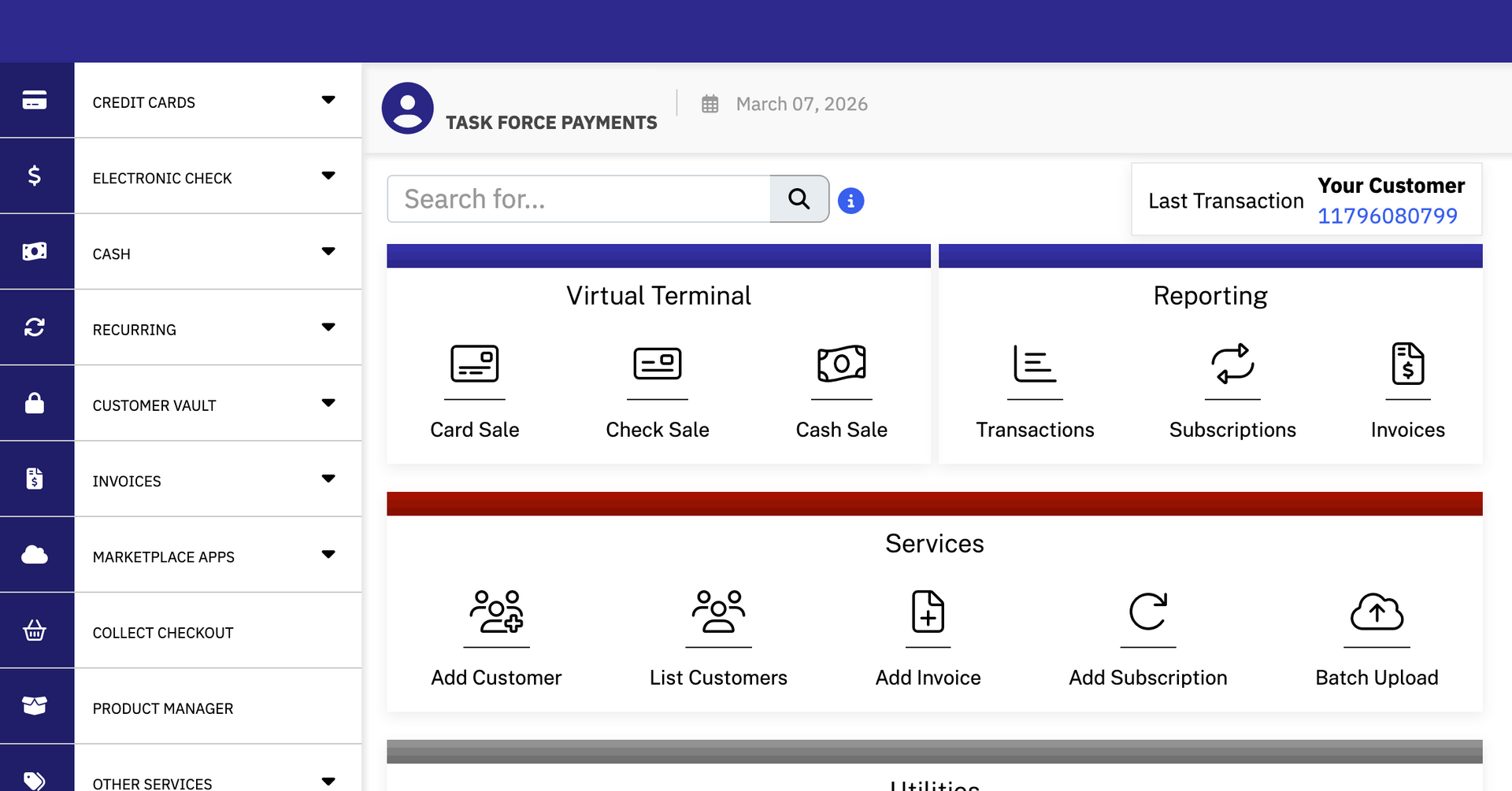
Task Force Payments connects your card processing directly into QuickBooks, Xero, NetSuite, or Salesforce. Transactions flow in automatically. Invoices go out the way you want them. The books stay current without anyone manually reconciling every sale.
How Real-Time Payment Sync Works with QuickBooks, Xero, NetSuite, and Salesforce
“Virtually instantaneous” is a phrase that gets thrown around a lot. Here’s what it means in practice: a customer pays, the transaction posts to your payment gateway, and your accounting software reflects it. Not at the end of the day. Not after a nightly batch. Right away.
We work with the platforms your business is most likely already running:
Quickbooks (online and desktop)
Xero
NetSuite
Salesforce
If you’re already on one of these, setup is simple. We configure the connection, test it, and make sure data is flowing accurately before we hand it back to you. No IT project, no months of implementation. You can continue to generate invoices in your accounting software the way you always have, but send them out through our plugin.

Custom Invoicing That Matches Your Billing Workflow
Generic invoicing is fine if your business is generic. Most aren’t.
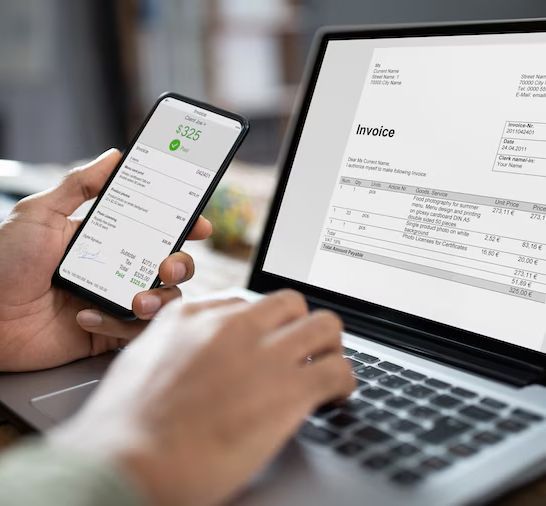
Task Force Payments allows you to set up invoicing that matches your real workflows: your branding, your payment terms, your line items. Need recurring invoices for subscription clients? We have that. If you need invoices that trigger at certain points in a job or project, we have that too.
Invoices go out right, get paid faster, and land correctly in your accounting software without anyone touching them twice.
How Surcharge Accounting Works in an Integrated Setup
If you’re using credit card surcharging to offset processing costs, the accounting piece matters more than most people realize. The surcharge amount must be tracked separately from the base sale amount. It has to appear correctly on the customer’s receipt. It has to post to the right account in your books.
It is against federal law to apply a surcharge on a debit card transaction. QuickBooks and other platforms don’t have a way to determine if your customer is paying with a debit card or a credit card, but the Task Force Payments Gateway filters every single transaction and automatically applies the right surcharge and notifications to qualifying invoices.
Similarly, many merchants aren’t aware that NACHA requires any fee applied to an ACH transaction to be a fixed amount, not a percentage. Task Force Payments offers guidance and the right automation tools to keep your business in compliance.

Two Ways Payment Integration Reduces Your Costs
The first way is direct: lower transaction fees. Better card processing rates mean lower cost on every sale.
The second way gets overlooked: labor cost. When payment data populates your accounting system on its own, you’re not paying someone to re-enter it. You’re not paying an accountant to untangle errors from manual entry. You’re not losing billable hours because someone spent an afternoon on reconciliation.
Both savings show up on the same bottom line. Payment integration is where they meet.
Let’s Look at What You’re Running Now
If you’re already on QuickBooks, Xero, NetSuite, or Salesforce and using their payment processing, there’s a simple conversation to be had. We’ll look at your current setup, show you what a connected system looks like, and give you an honest read on whether the switch makes sense for your transaction volume and workflow.
No jargon, no pressure. If your current setup is already solid, we’ll tell you that.